Issue: iTunes sing in error
Verification Failed
There was an error connecting to the Apple ID server
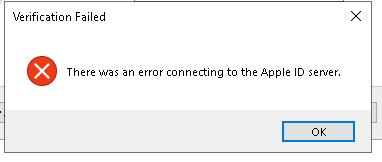
Reason: FORCEPOINT Web Security Content Gateway block the connection
Solution: Add URLs as explicitly tunneled
- Open FORCEPOINT Web Security Content Gateway admin panel
- Go to Configure tab > SSL > Incidents > Add Website

- One by one add URLs:
- With Action: Tunnel
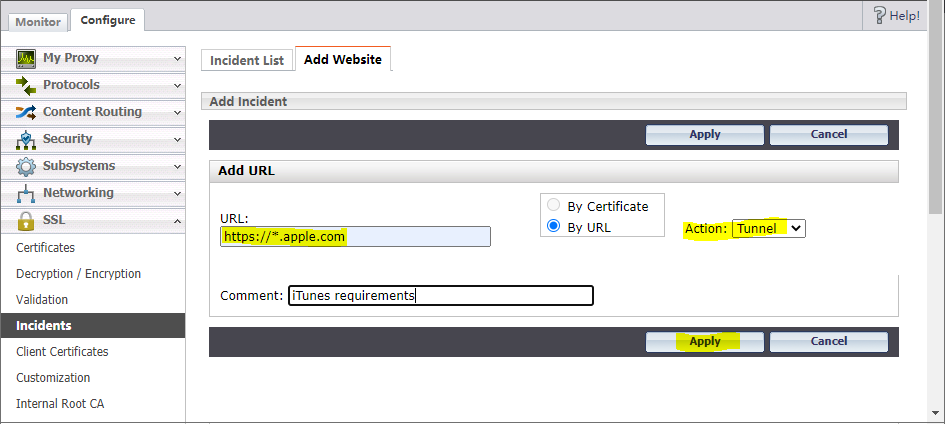
- Done. Check your iTunes connectivity.
 Sysadmin Diary