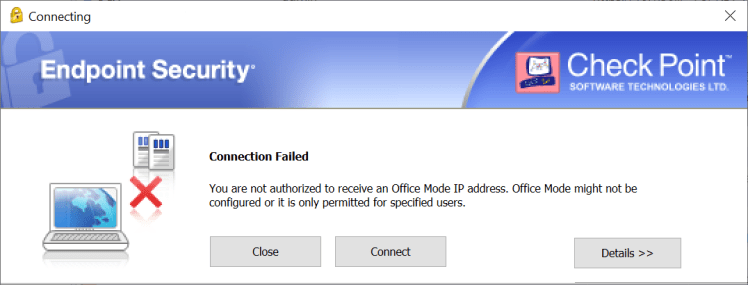
Issue: Connection Failed
You are not authorized to receive an Office Mode IP address. Office Mode might not be configured or it is only permitted for specified users.
Reason: If it’s not license issue it could be wrong client product chosen while installation.
Solution: Reinstall Check Point VPN. While installation choose SecuRemote.

 Sysadmin Diary